
by 20th Century Plumbob
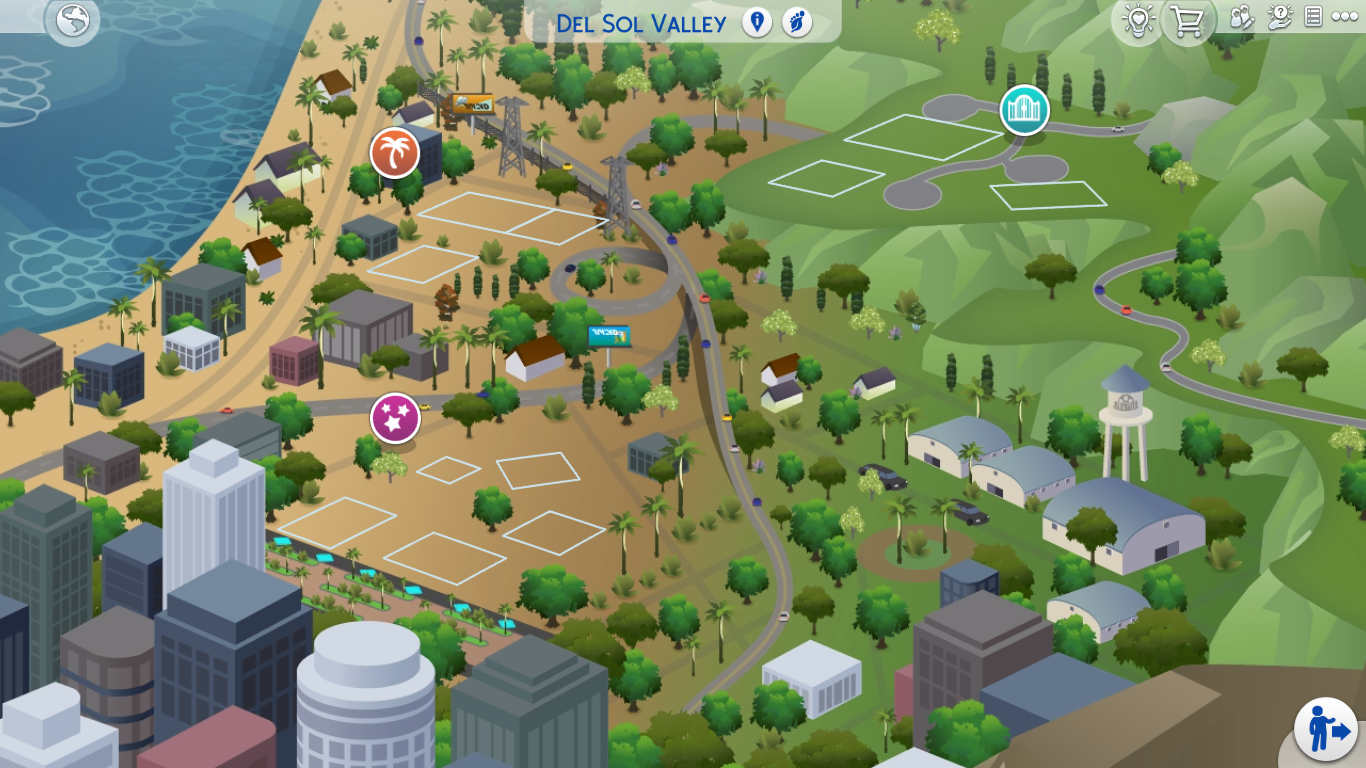
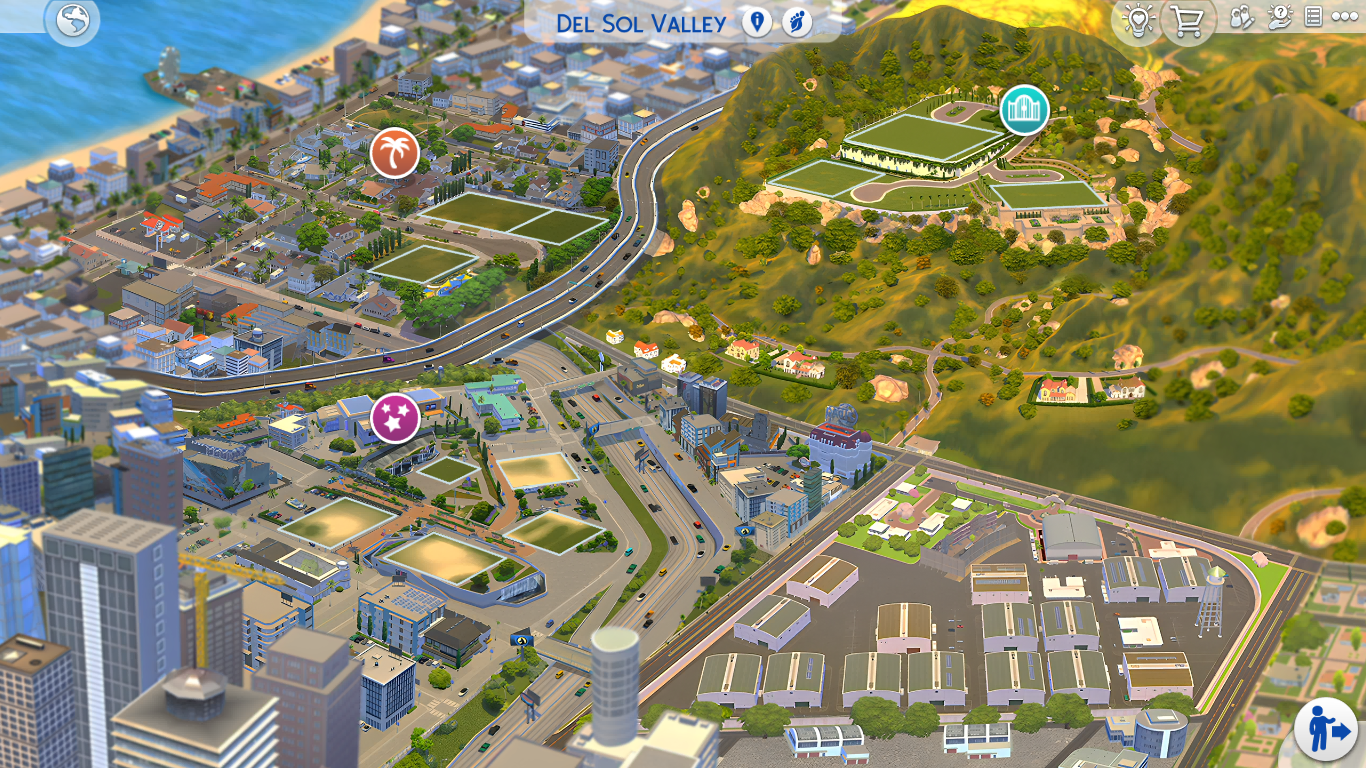
As any seasoned simmer knows, The Sims 4 has long been a canvas for creativity. From building the most elaborate homes to crafting intricate storylines, the game offers endless possibilities.
But one aspect that often gets overlooked? The world map.
While EA provides a decent base, some of us crave a more immersive, artistic experience—and that’s where map replacement mods come into play.
🧭 What Are Map Replacement Mods?
Map replacement mods are custom overlays that replace the default world maps in The Sims 4 with beautifully drawn alternatives. These don’t affect gameplay or the neighborhood layout—they simply give your maps a visual glow-up.

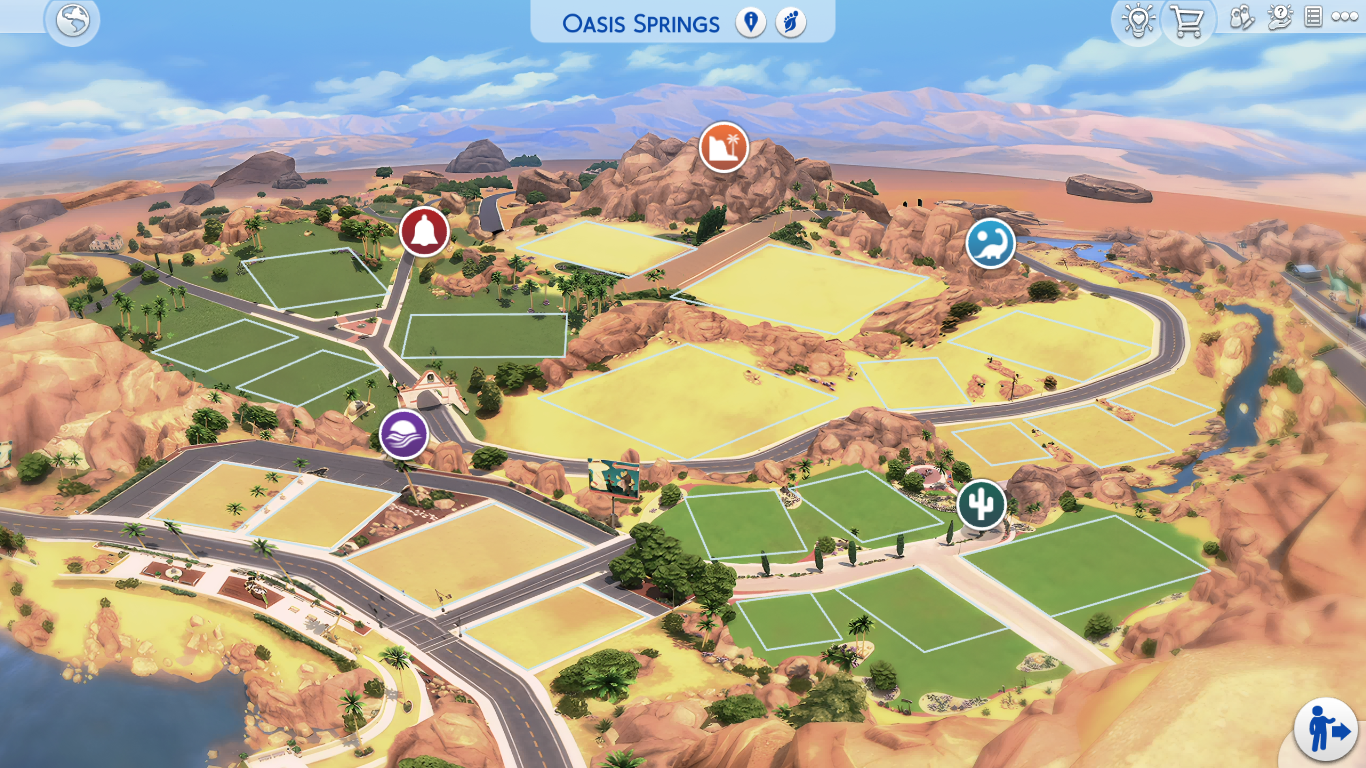
Instead of the flat EA style, you’re greeted with a map that looks like it belongs in a coffee table art book. Think hand-drawn details, warm colors, and elevated charm.
🎨 Why I Love 20th Century Plumbob’s Creations
If you’re in the Sims community, you’ve probably heard of 20th Century Plumbob—and with good reason. Their work is a gorgeous blend of style and practicality.
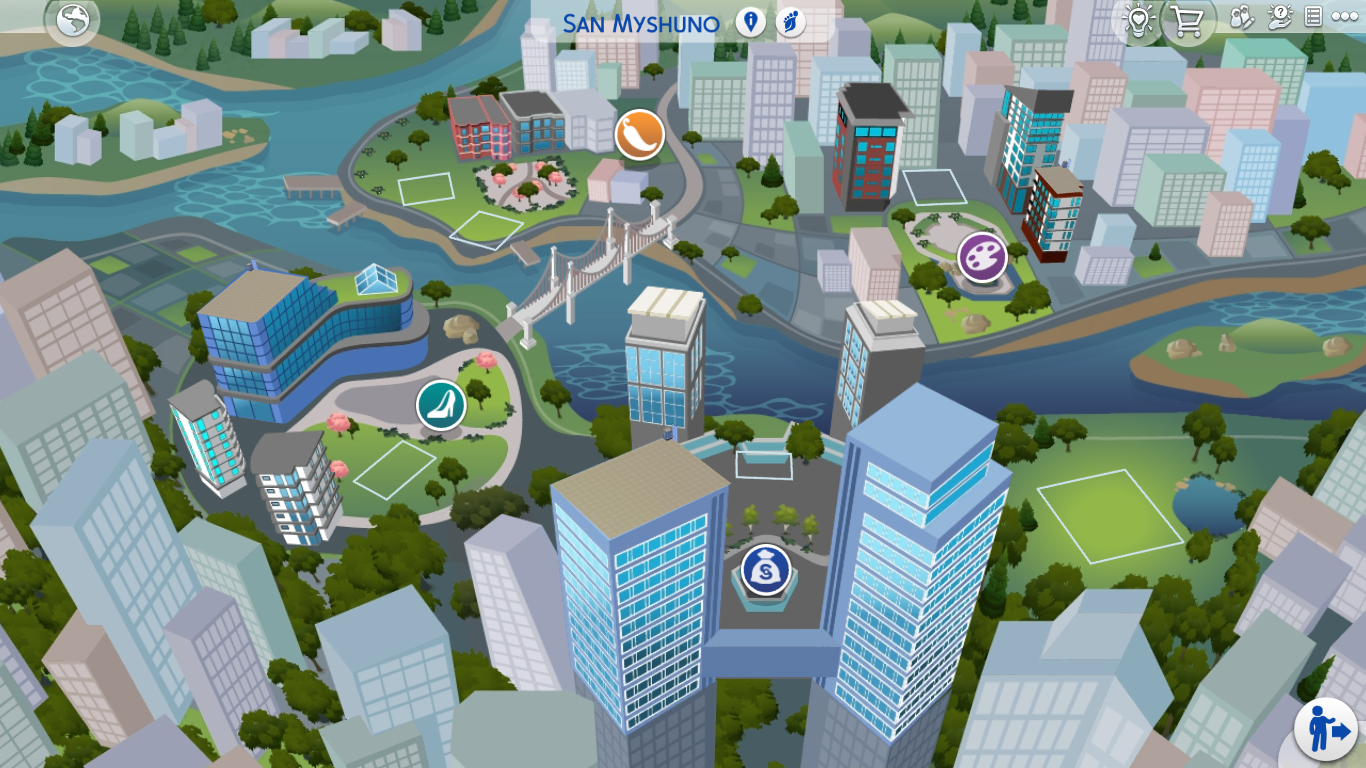
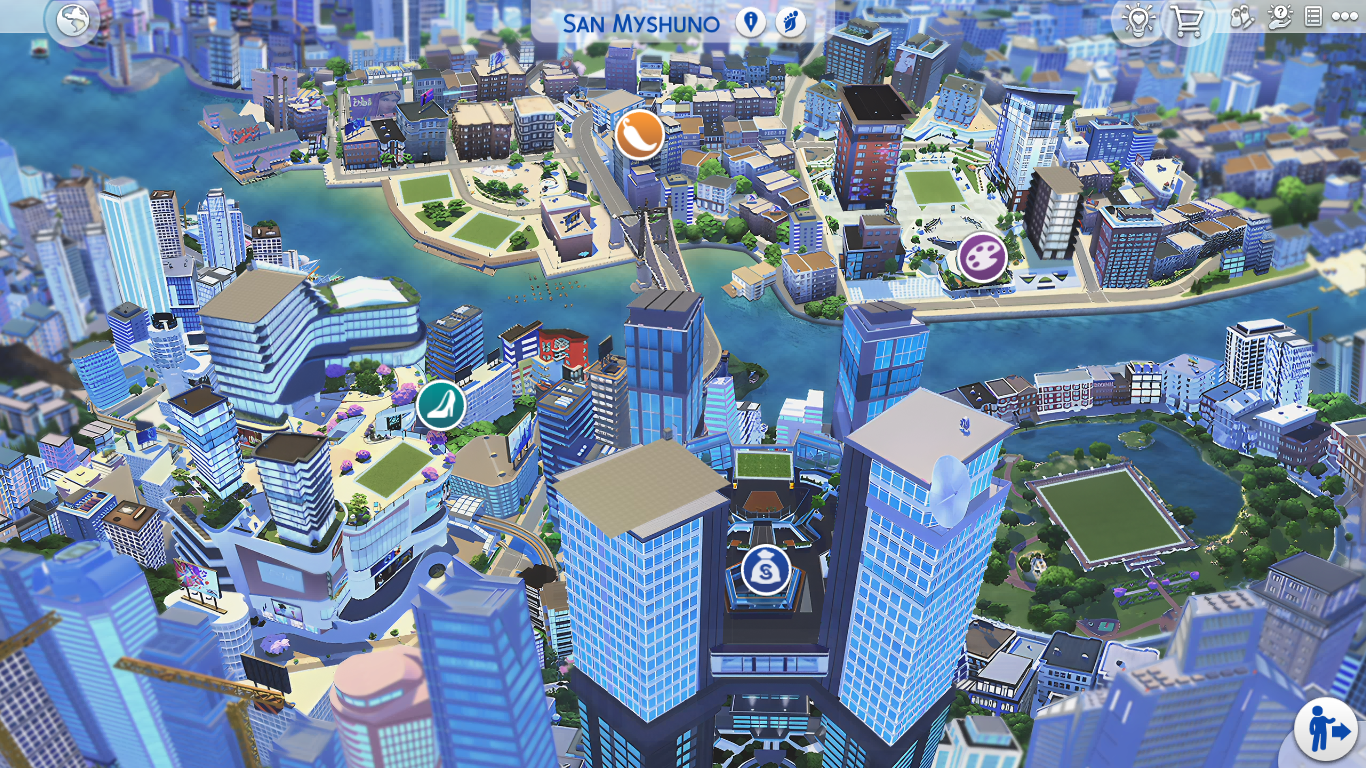
What I love most is the attention to detail. Each map feels alive and thoughtfully composed, from color palettes that complement the in-game vibe to artistic flourishes that make the worlds feel real.
Whether it’s the calm, suburban feel of Newcrest or the urban sparkle of San Myshuno, each design has a personality of its own.
💕 My Personal Favourites
Okay, picking just one favourite was tough… but two maps really stole my heart:
🌴 Sulani
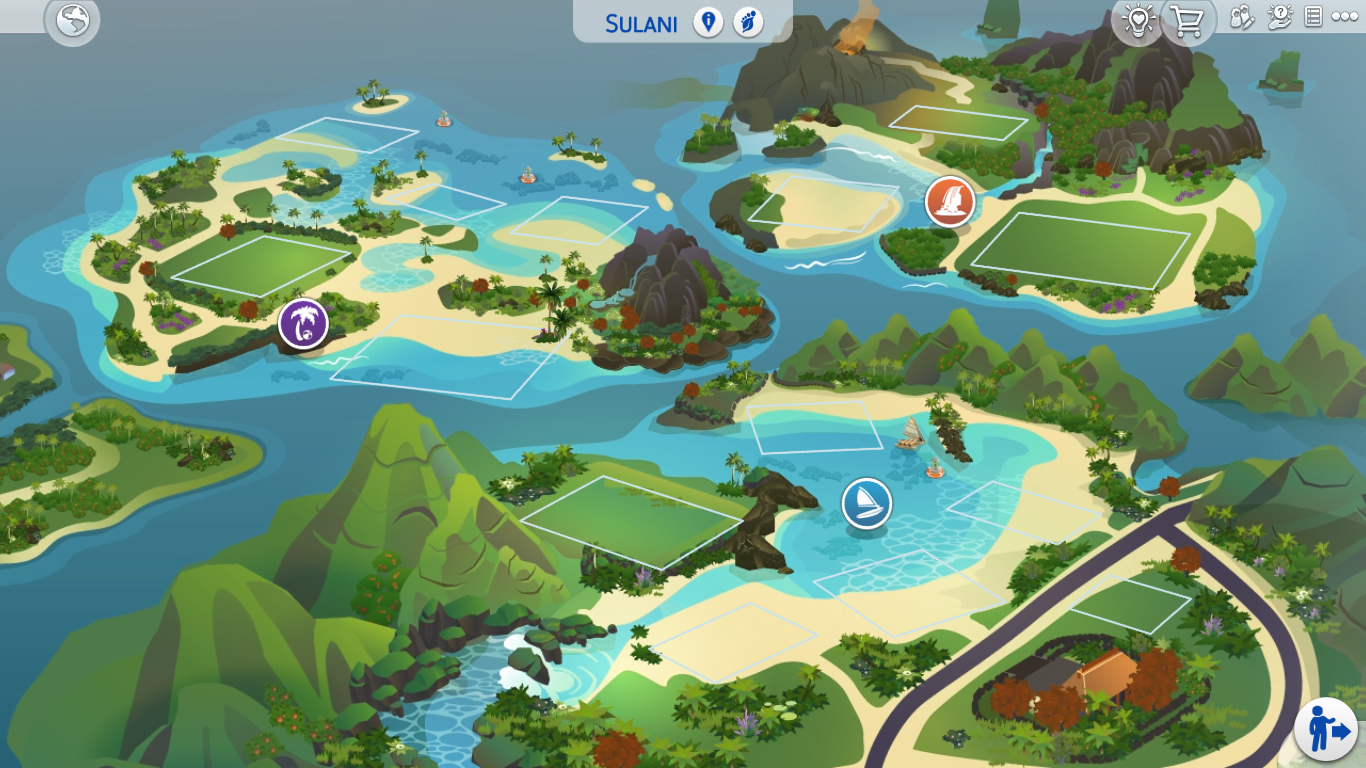
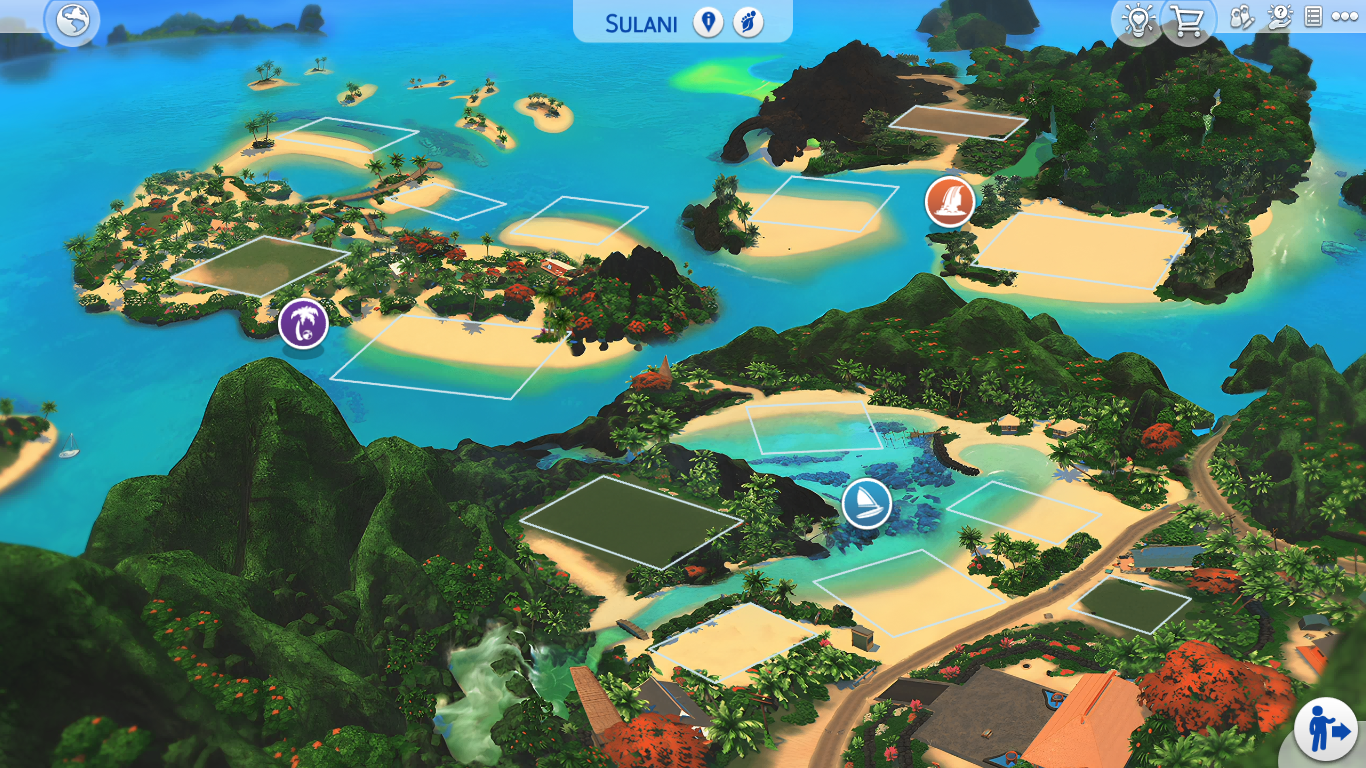
With its tropical vibe and crystal-clear waters, Sulani deserves a map that shows off its natural beauty. This one pops with vibrant greens and blues—and it totally delivers that vacay mood.
🐾 Brindleton Bay


This seaside world has always been one of my go-tos for family builds, and now it feels even more warm and nostalgic. Soft tones, gentle textures—cozy perfection.
🛠️ How to Install Map Replacement Mods
If you’re new to modding, don’t worry—it’s easy! Here’s a quick how-to:
- Download the Mod → Visit 20th Century Plumbob’s Patreon and grab the latest map files.
- Unzip the File → Use software like WinRAR or UltimateZip to extract the files.
- Drop Into Mods Folder → Move the
.packagefiles into:Documents > Electronic Arts > The Sims 4 > Mods - Enable Mods in Game → Go to your Sims 4 Game Options > “Other” tab > check “Enable Custom Content and Mods.”
- Enjoy the View → Load your game and explore your stunning new maps!
📥 Where to Download
👉 Click here to visit 20th Century Plumbob’s Patreon
These mods are free to access and well worth a look—even if you’re just window-shopping for now.
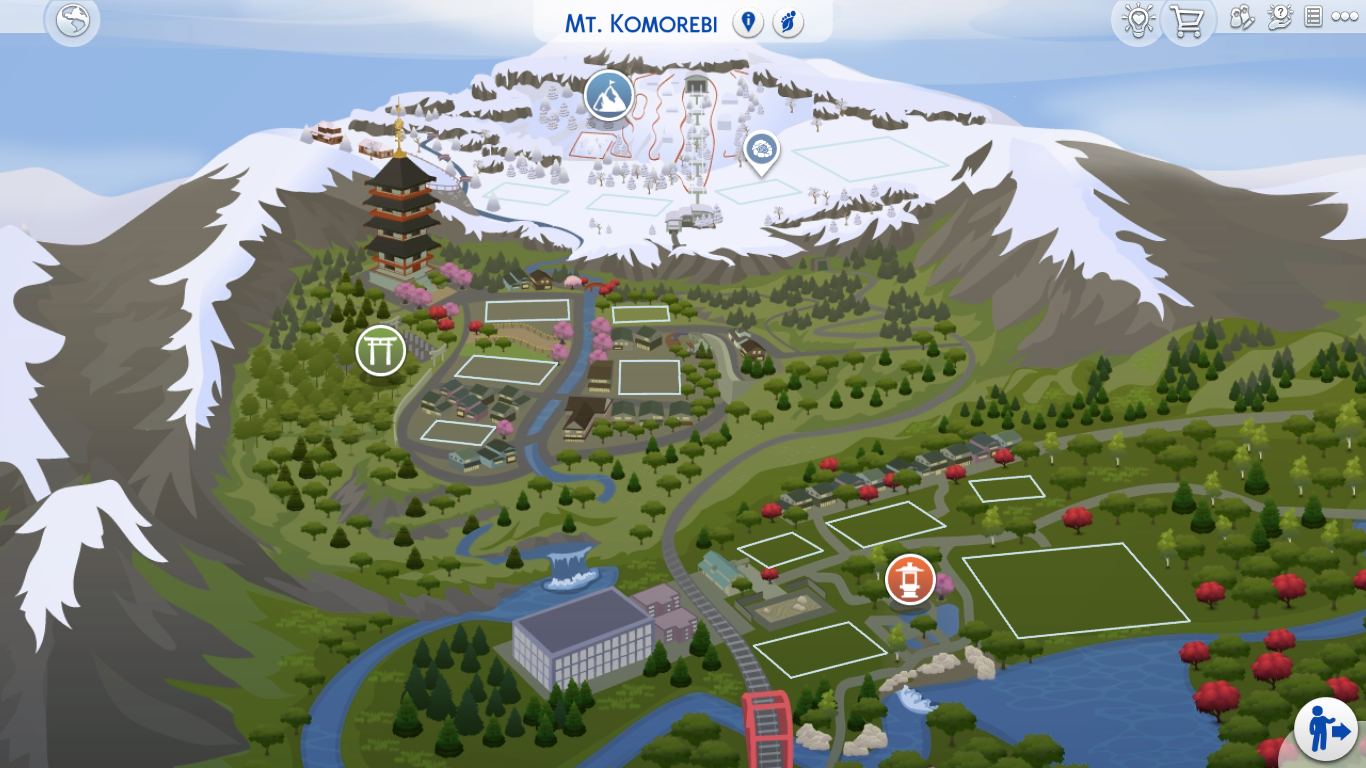
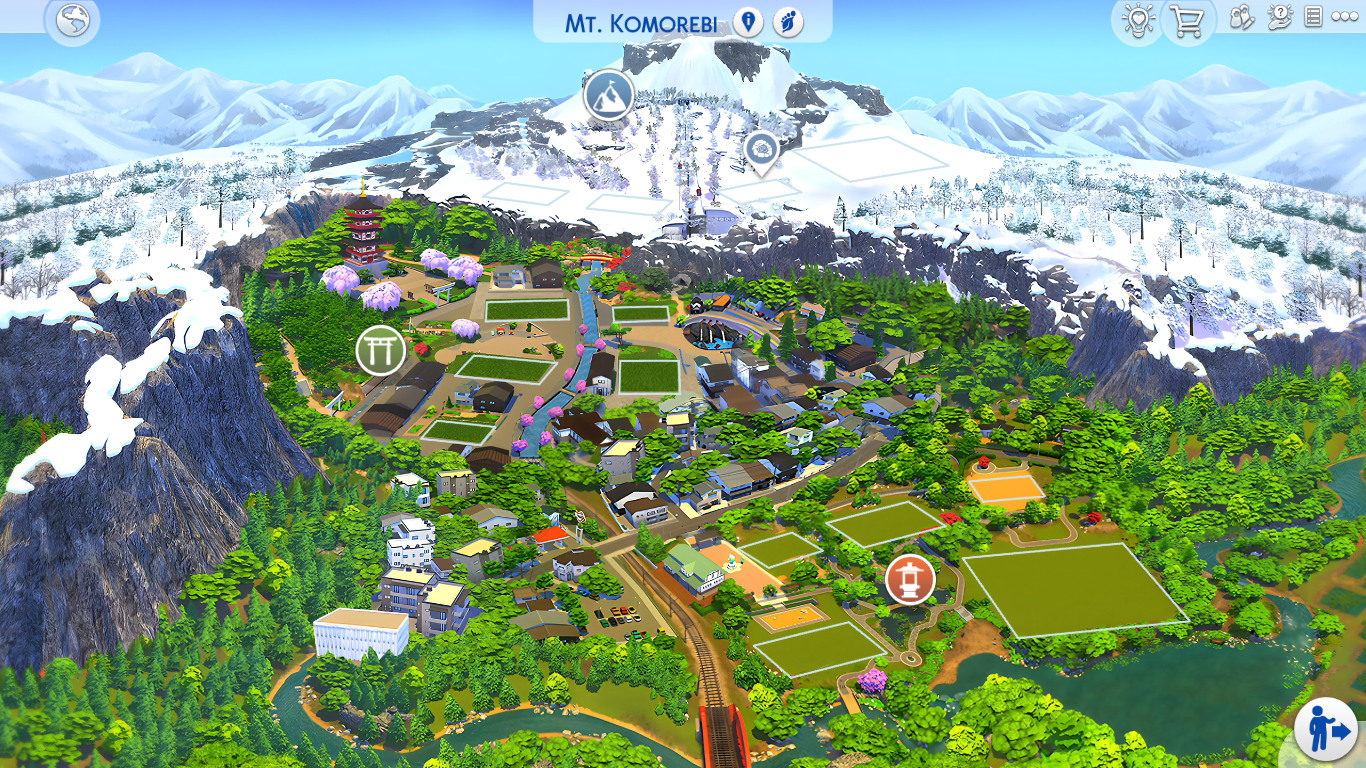
Whether you’re a longtime simmer or just starting your build journey, map replacements bring a whole new level of charm and immersion to your game. I honestly can’t imagine playing without them now.
✨ Go ahead—pick your fave world, download a new map, and let your game shine.

 Sweet Simmer Homes